
If you are sitting your first computer based test in Nigeria, expect three things: an identity check (often your fingerprints) before you get a seat, a screen with one question at a time and a countdown clock, and often a paper that submits itself when time runs out. The questions are the same kind you have always prepared for. What catches first-timers out is the machine, the clock and the rules around them.
This guide walks you through a CBT from the gate to the final “submit”, so nothing on the day is a surprise. It covers the big centre-based exams (JAMB, WAEC, NECO) and the online recruitment tests that more employers now use.
Which exams in Nigeria are now computer based?
More of them every year, and the list is still growing.
- JAMB UTME. The UTME is run entirely on computers. In 2026 it was a paper of about two hours covering Use of English and three subjects, and it submitted automatically when time ran out (Leadership via AllAfrica, April 2026).
- WAEC WASSCE. In September 2025 the Minister of Education announced the move of WASSCE to computer-based testing. WAEC said it would phase it in, starting with objective questions before theory and practical papers (Premium Times).
- NECO SSCE. NECO said its May/June 2026 SSCE Internal would be the first time school candidates sit its exam in a full CBT setting, at accredited CBT centres. Some theory papers may still use booklets while the change settles in (Pulse Nigeria, May 2026).
- Job and recruitment tests. Some government agencies now test applicants online, on their own laptop, with a webcam watching. The Nigeria Customs Service did this in its 2025 recruitment (Legit.ng, September 2025).
So there are really two kinds of CBT: the one you sit in a hall full of computers, and the one you sit at home or in a café while software watches you. We cover both below.
Before the day: what to sort out
Most first-timer problems start days before the exam, not in the hall.
- Print your slip. For the UTME, JAMB tells candidates to bring a printed examination slip to the CBT centre (Legit.ng, January 2026). Your slip tells you your centre, date and session time. Read it twice.
- Check your details. Make sure your name and date of birth are right. Fixing them on the morning of the exam is not an option.
- Find the centre early. CBT centres are not always schools. Visit the address before exam day if you can, so you know how long the journey really takes.
- Take any practice test you are offered. JAMB’s 2026 mock UTME was stretched from two hours to four, which the board said was to give candidates more time to get used to the CBT environment (Nairametrics, March 2026). The Customs online test went further and made a practice session two days before the real test compulsory (Legit.ng).
At the centre: what happens before you sit down
Expect queues and checks. Candidates who sat the 2026 UTME were told to arrive one to two hours early to go through security and biometric checks (AllAfrica).
For the UTME, your fingerprints are checked before you enter the hall and again after the exam. JAMB’s rules say a candidate whose fingerprints cannot be verified will not be allowed to sit (Legit.ng). Clean, dry hands help. If verification fails, stay calm, tell the officials straight away and follow their instructions.
Leave your watch at home. NECO’s rules for its CBT centres ban wristwatches and require wall clocks that every candidate can see (Legit.ng, August 2025). Treat phones, smart watches and anything with a screen the same way, and check your own exam’s list of banned items before the day.
Inside the hall: what the computer based test screen looks like
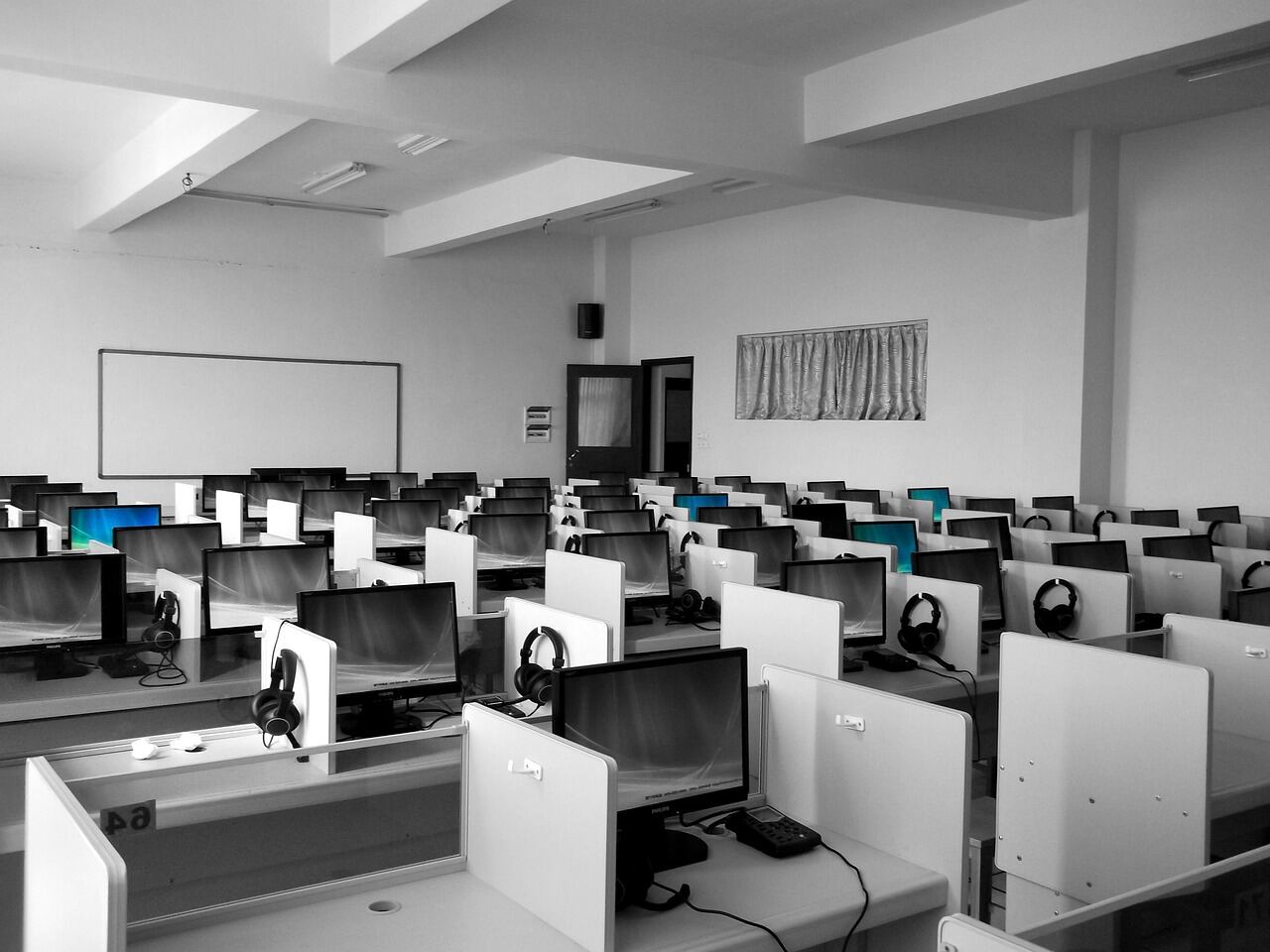
The exact layout differs between exam bodies, but most CBT screens share the same parts. Spend your first minute finding them.
| What you will see | What it does | First-timer tip |
|---|---|---|
| Instructions screen | Explains the buttons before the clock starts | Read it properly. It is the only training you get on the day. |
| Countdown timer | Shows the time left | Glance at it after every few questions, not after every one. |
| Question and options | One question at a time, with options to click | Click once and check the option is highlighted before moving on. |
| Next and previous buttons | Move between questions | You can usually go back, so skip a hard question and return later. |
| Question numbers or subject tabs | Jump straight to any question or subject | Unanswered numbers often look different. Use them to find gaps. |
| Submit button | Ends the exam for good | Do not touch it until you have checked every subject. |
That last row matters more than it looks. One UTME candidate told Leadership that a friend “pressed the submit button even before finishing the exam by mistake” (AllAfrica). Once it is pressed, there is no going back.
The same report described candidates who had never touched a computer before, and who lost time working out the mouse and the screen instead of answering questions. If that sounds like you, an hour or two of practice clicking, scrolling and moving between questions will do more for your score than another night of past questions.
If you are taking an online CBT from home
Remote recruitment tests have their own rules, and they are stricter than many people expect. In its 2025 recruitment, the Nigeria Customs Service told applicants that (Legit.ng):
- only laptops and desktops with a webcam and full-screen display would be accepted, and phones were forbidden;
- candidates’ faces had to match their registration details at login;
- switching between windows could be flagged as an attempt to cheat;
- excessive movement could get a candidate logged out, and whispering or background noise could be treated as malpractice.
So pick a quiet room, close every other app, charge your laptop, sort your data or Wi-Fi before the test, and sit still facing the camera. If you want to know what this kind of software is watching for, we explain how online exam proctoring software works in plain English.
Five mistakes first-timers make
- Arriving “on time”. With queues and biometric checks, on time is late.
- Racing through the instructions screen. A minute spent learning the buttons saves ten later.
- Getting stuck on one question. The clock does not pause. Move on and come back.
- Forgetting the other subjects. In a multi-subject paper, check every tab before time runs out.
- Pressing submit early. If you have time left, use it to review answers, not to leave.
For schools: the gap is the computer, not the syllabus
With WAEC and NECO moving their papers onto computers, students will need to be comfortable on a computer as well as on their subjects. Lawmakers raised exactly this concern when the WASSCE change was announced, pointing to uneven access to technology and low digital skills in rural areas (Premium Times). Students who only meet a computer on exam day start at a disadvantage.
This is where InnovaTech, our AI-powered learning platform, can help. It runs as a web app, and offline on the Kotlead Laptop, which includes CBT practice alongside 130+ STEM and digital skills courses through our partner GetBundi. Students can get used to the screen, the clock and the buttons long before the real thing, even where the internet is unreliable. You can see the full set on our products page.
Frequently asked questions
Is a computer based test harder than a paper exam?
The questions are not harder. What is different is how you answer them. If you are not used to a mouse, a screen and a visible countdown, you can lose time and confidence, which is why a little practice on a computer helps so much.
Can I go back and change my answers in a CBT?
In most CBT screens you can move back and forth between questions until you press submit or time runs out. Check the instructions screen on the day, because each exam body sets its own rules.
What happens when time runs out?
The UTME submits automatically when the time is up (AllAfrica). Answers you have already selected are what count, so do not leave questions blank in the hope of returning to them.
Can I wear a watch into a CBT centre?
Do not assume you can. NECO bans wristwatches in its CBT halls and uses wall clocks instead. Always check your exam body’s list of banned items before the day.
What if my fingerprints fail at a JAMB centre?
Tell the officials at once and follow their instructions. JAMB’s rules say candidates who cannot be verified will not be allowed to sit, so arrive early to leave time to sort it out.
Getting your students ready
If you run a school, or a programme for young people, and want your students to meet the CBT screen long before exam day, we would be glad to show you how InnovaTech and the Kotlead Laptop work. Book a free 15-minute call and we will walk you through it.